A First Pass Through a Long Public Document
A first pass through a long public document reveals which sections, tables and appendices can answer your question, so you can read closely with purpose.
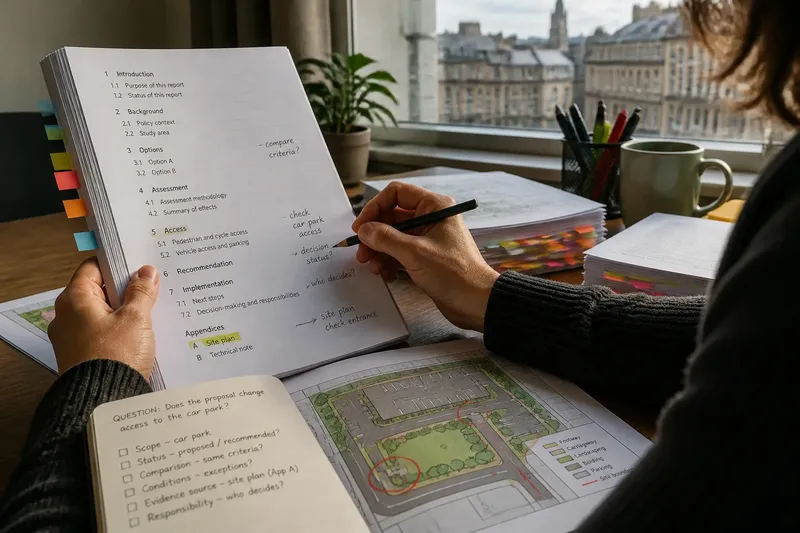
The common mistake with a long public document is to read it from page one, line by line, before deciding what you need from it. That can use up your attention on background material while an important condition sits in a table, appendix or later section. A first pass through a long public document works better as a map of its evidence and structure, not as a rushed substitute for reading.
Set a useful question
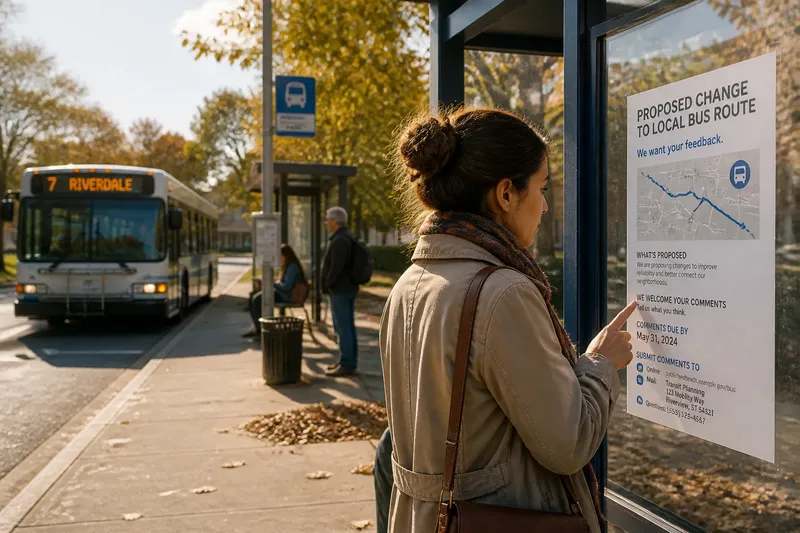
Write down the decision or detail you are trying to understand. “Does the proposed bus-route change affect the stop near the library?” is more useful than “What does this transport report say?” because it gives you a clear reason to inspect particular claims, maps and conditions.
Keep the question open to an answer you did not expect. If the report says the route is unchanged but describes a temporary stop closure elsewhere, that may matter too. A narrow question should guide the search without dictating its conclusion.
Inspect document structure
Before searching, note the document’s title, issuing organisation, date, status and stated purpose. A draft consultation paper, a committee report and an adopted policy may discuss the same subject but have different authority. Check the contents page, heading hierarchy and list of appendices; a diagram or technical note may carry information the main text only summarises.
In a PDF, use the bookmarks panel or navigation pane to see how sections are grouped. In a printed report, scan the contents and section headings, then look for recurring labels such as “options”, “assessment”, “recommendation” and “implementation”. These labels reveal the document’s argument: what it describes, compares and proposes.
Map evidence, not just pages
Mark likely sections with a pencil, removable tab or PDF bookmark. Beside each mark, write what kind of evidence it appears to contain: a description, a comparison, a boundary, a decision or a condition. This is more informative than a general note saying “relevant”, especially when several sections use similar terms.
- Scope: Check whether the section names the place, service or group in your question; if it does, mark it for close reading, and if it does not, look for a boundary map or definitions section.
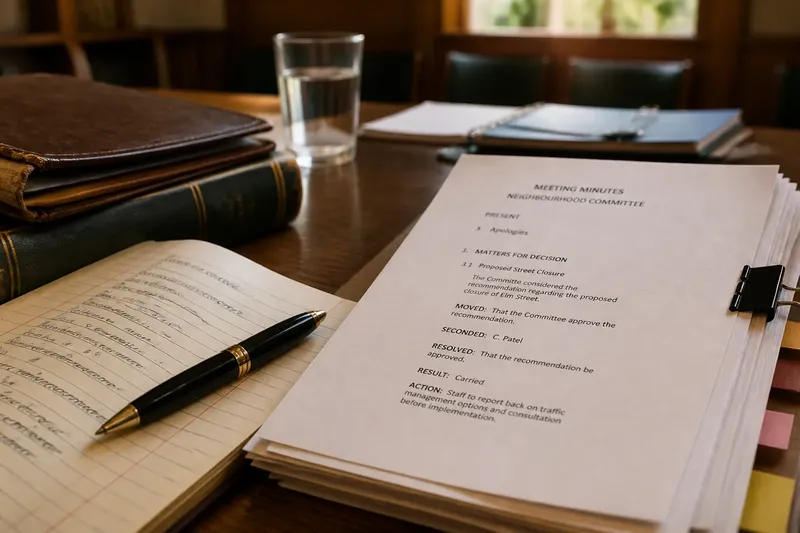
- Status: Check whether the wording says “proposed”, “recommended” or “adopted”; if it states an actual decision, record that status, and if it describes an option, find the section that explains who will decide.
- Comparison: Check whether alternatives are assessed against the same criteria; if they are, compare those criteria, and if they are not, note the mismatch before treating one option as preferable.
- Conditions: Check nearby paragraphs, footnotes and table notes for exceptions or prerequisites; if a condition changes the claim, include it in your reading route, and if no condition appears, keep the claim provisional until its cited sources are checked.
- Evidence source: Check whether a claim points to a map, table, appendix or separate paper; if the reference is available, open it, and if it is missing, record the gap rather than treating the claim as independently supported.
- Responsibility: Check whether the document names an office, committee or other decision-maker; if it does, mark the section that assigns responsibility, and if it does not, search the governance or implementation sections before inferring who acts.
Say you want to know whether a council proposal changes access to a local car park. You start with a transport report whose contents list a layout section, an access section and an appendix containing a site plan. You bookmark those three places, then read the access section and plan together; if the plan shows an entrance not mentioned in the text, the result is a question to resolve in the report’s definitions or implementation section, not a reason to assume the entrance will remain open.
Check how claims are built
A long report often distributes one argument across prose, tables and technical appendices. Follow references that bear directly on your question, and check whether the supporting material measures the same thing the prose describes. A table headed “responses received”, for example, is not automatically a record of which concerns changed the proposal; look for the explanation of how responses were considered.
Keep the document’s description separate from your interpretation. Record the page or heading and the wording that matters, then note your reading in distinct words. This makes it easier to see whether a conclusion comes from the document itself or from your inference.
Read the right parts closely
Once you have a route, read each marked section in full, including the paragraphs before and after the apparent answer. Definitions, exceptions and qualifications often sit outside the sentence that first caught your eye. For tables, read the title, column headings and footnotes; for maps, inspect the legend, labels and boundary lines before interpreting colours or symbols.
Broaden your reading when a passage depends on an unfamiliar term, cites another section or leaves a material point unresolved. If the source it names is unavailable, note precisely what is missing. That is more useful than treating an incomplete document as if it answered the whole question.
Questions about scanning?
Should I begin with the executive summary?
It can show the report’s main claims and point you towards relevant sections, but it may omit qualifications. Treat it as a route into the document and check important claims against the cited pages, tables or appendices.
What if the PDF has no contents page?
Try the bookmarks panel or navigation pane first. If those are absent, search for a distinctive place name or technical term, then read the surrounding passage and check its heading rather than relying on the search result alone.
How can I tell whether an option was approved?
Look for the document’s status, decision wording and any named decision-maker. “Recommended” or “proposed” describes an option, not necessarily an adopted decision; check for a later resolution or formal record if the report does not settle the point.
When should I stop the first pass?
Stop when you have identified the passages needed to answer your question, the material that explains their terms or conditions, and any cited source that could alter their meaning. If a specific point remains open, write it down as a gap rather than scanning unrelated pages by default.
Keep the method light
It is not worth building an elaborate colour code, copying every heading into a separate document or compiling a long list of search terms for an ordinary first pass. A few bookmarks and short evidence notes are usually enough to guide close reading. Add detail only when the document’s structure or the decision at stake makes it useful.
A first pass through a long public document should leave you with a small, traceable map: the sections that bear on your question, the kind of evidence each contains and any unresolved dependency. When you return to those pages, the main phrase to keep in view is the question you started with—not the report’s most confident-sounding sentence.